Built for sign shops and Design teams

Plan signage faster,
without switching tools.

Upload your floorplan, place sign locations and messages, upload typical images for each sign type, and get auto-populated previews, counts, schedules, and exports that stay in sync.
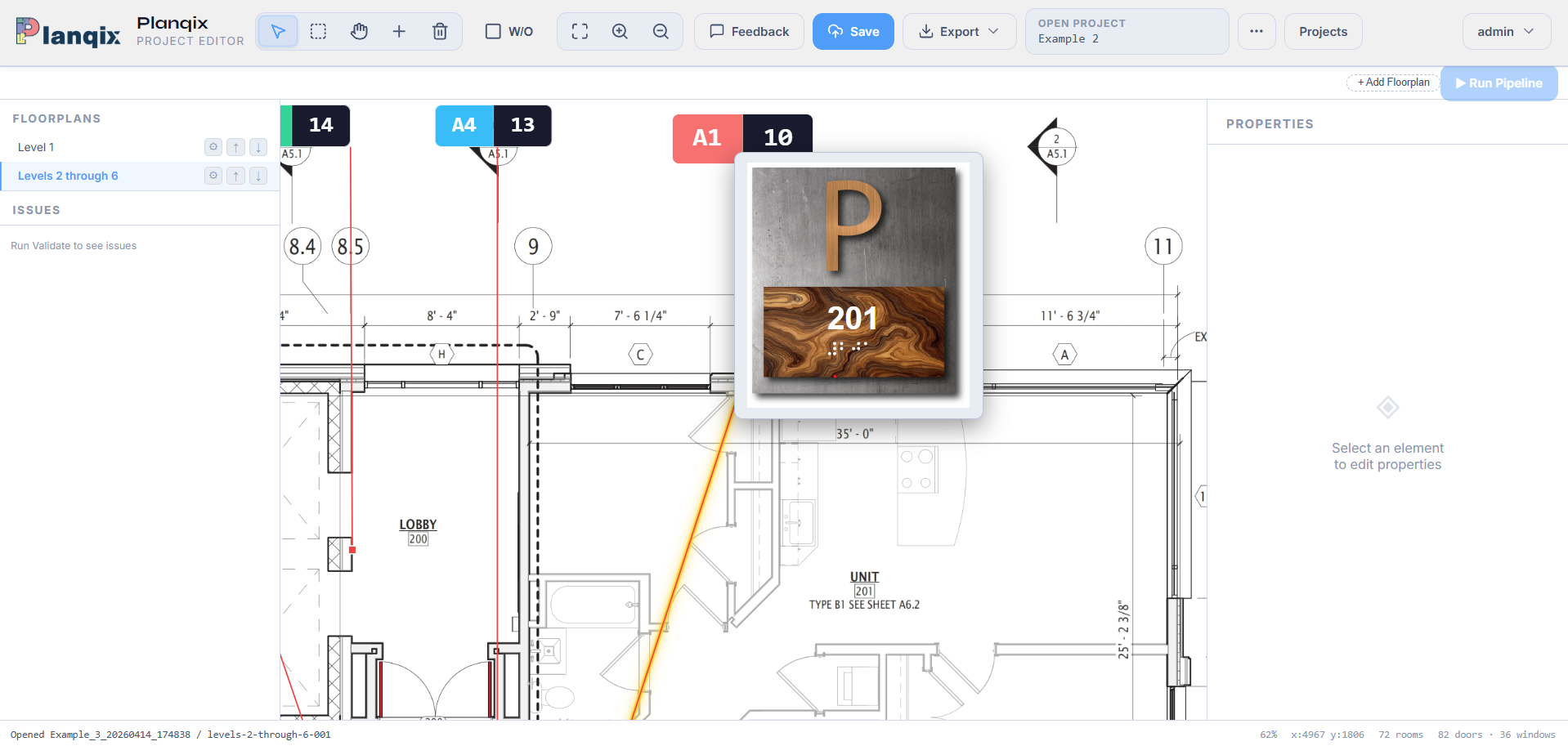
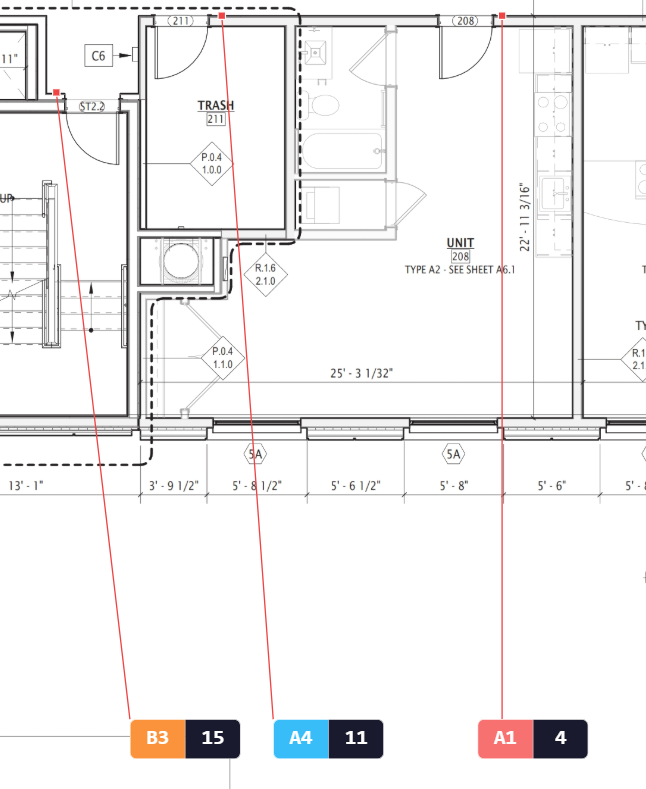
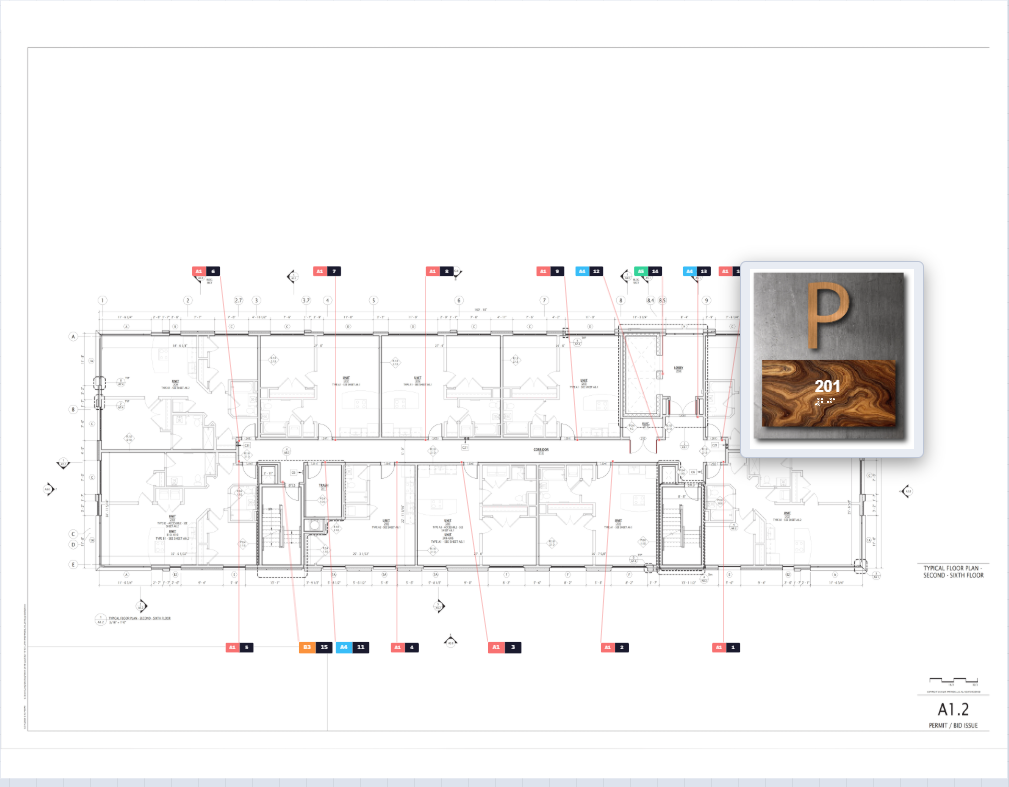
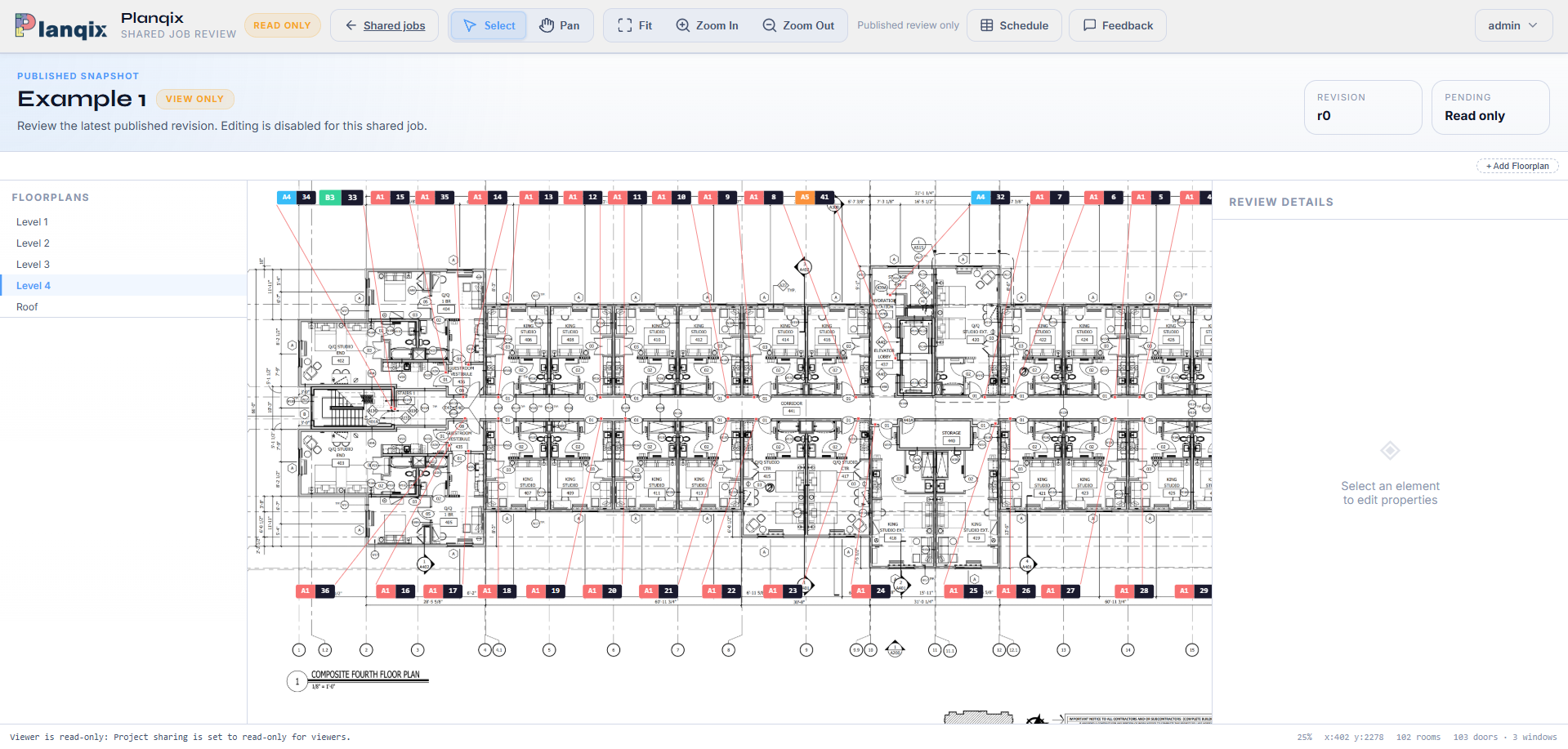
The Planqix editor showing a floor plan with numbered sign locations placed on it and the sign properties panel open
PDF · SVG · PNG · JPG floorplan input formats
SVG · XLSX · CSV · PDF auto-updating outputs
Free viewer included client preview + redlines
Message + braille exports ready for your design workflow
Workflow

A simple process that fits your current workflow

Keep your existing design software. Planqix handles placement, previews, schedules, exports, and client redlines.

1) Upload your floorplan

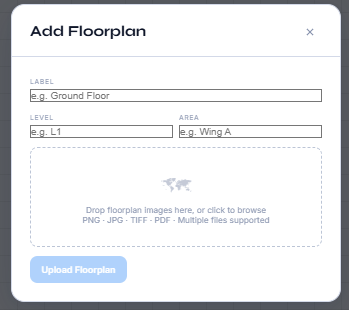
Import PDF, SVG, or images and organize project levels quickly.

2) Place sign locations + messages

Set sign type, location, and message for each sign on plan.

3) Upload typical sign type images

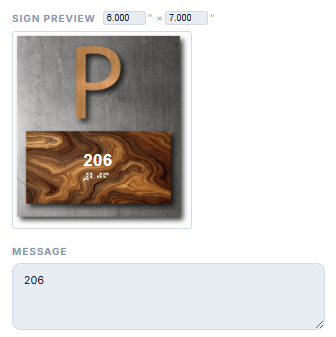
Attach your standard images per sign type and Planqix auto-populates previews.

4) Generate schedules + exports

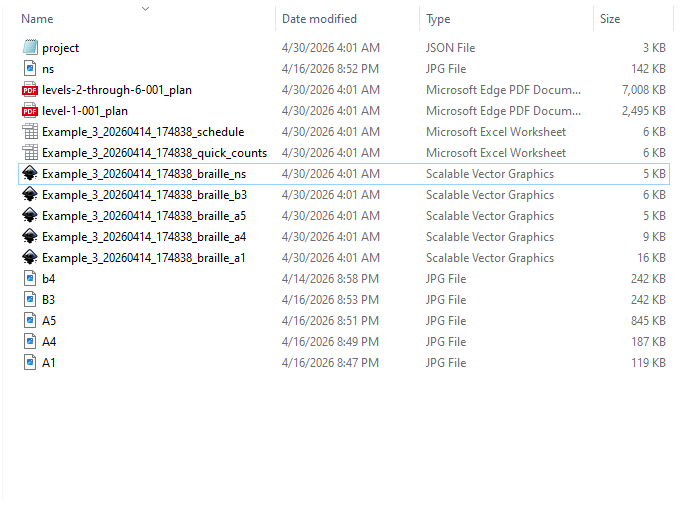
Counts for pricing, full message schedules, and populated message/braille exports update automatically as you edit.

5) Share with clients in the free viewer

Send a live project preview link and let clients mark redlines directly in the app.

Screenshots

Workflow screenshots

These snapshots represent the end-to-end process from floorplan upload through client review.

Pricing

Simple pricing with clear limits

Each paid plan includes a set number of floorplan uploads per month.

Free
$0 /mo
Access to the project viewer for review, redlines, and revisions only.
  • Project viewer access
  • Review, redlines, and revisions
Create free account
Enterprise
$40 /mo
For teams running multiple projects. Cancel any time, no commitment.
  • 2 additional users included
  • 60 GB storage
  • 120 Floorplan uploads a month
  • All exports + free viewer

Built in the signage industry, not in a vacuum

Planqix started as a practical internal tool, then kept growing because it solved real planning pain. It is stable enough for real projects today, and actively improving through user feedback.

Start free Read the guide

Tutorial videos and social channels coming soon.